Account & your data
Know what works offline and what sync does
Separate local study, downloads, device connections and saved backups.
Android · Updated 23 October 2026
On this page
Cards and reviews live on your device. That makes local study possible without a constant connection, but connected services and downloads still have their own requirements.
Prepare before going offline

- Open the decks you plan to study and check that their content and media are present.
- Download the relevant translation/dictionary resources in Settings → Languages.
- Install offline pronunciation voices through Android if you need listening practice.
- Make an off-phone backup while connected and verify its result.
- Try the particular cards and audio offline before relying on them away from a connection.
Existing cards can be reviewed locally. Course goal interpretation, account authentication, browser/ChatGPT deliveries, uploads and other server-dependent actions need connectivity. A downloaded dictionary is different from a completed online course-generation request.
Understand sync and device access
Where your signed-in account has sync access, the app coordinates supported collection changes through its connected-device workflow. Free access permits one active sync device; Pro supports multiple devices. Automatic cloud backup/upload is Pro, while manual backups remain available. Read the visible device, access and sync status: a device limit, account mismatch or owner lock can prevent connection while local study still works.
Do not infer successful sync from simply being signed in. Reconnect, allow pending work to finish, and confirm the expected card on the other intended device before removing an original copy.
Anki Desktop review transfer, browser pairing and ChatGPT delivery are separate connections. A working connection in one of these does not establish that another has completed.
Backups are different
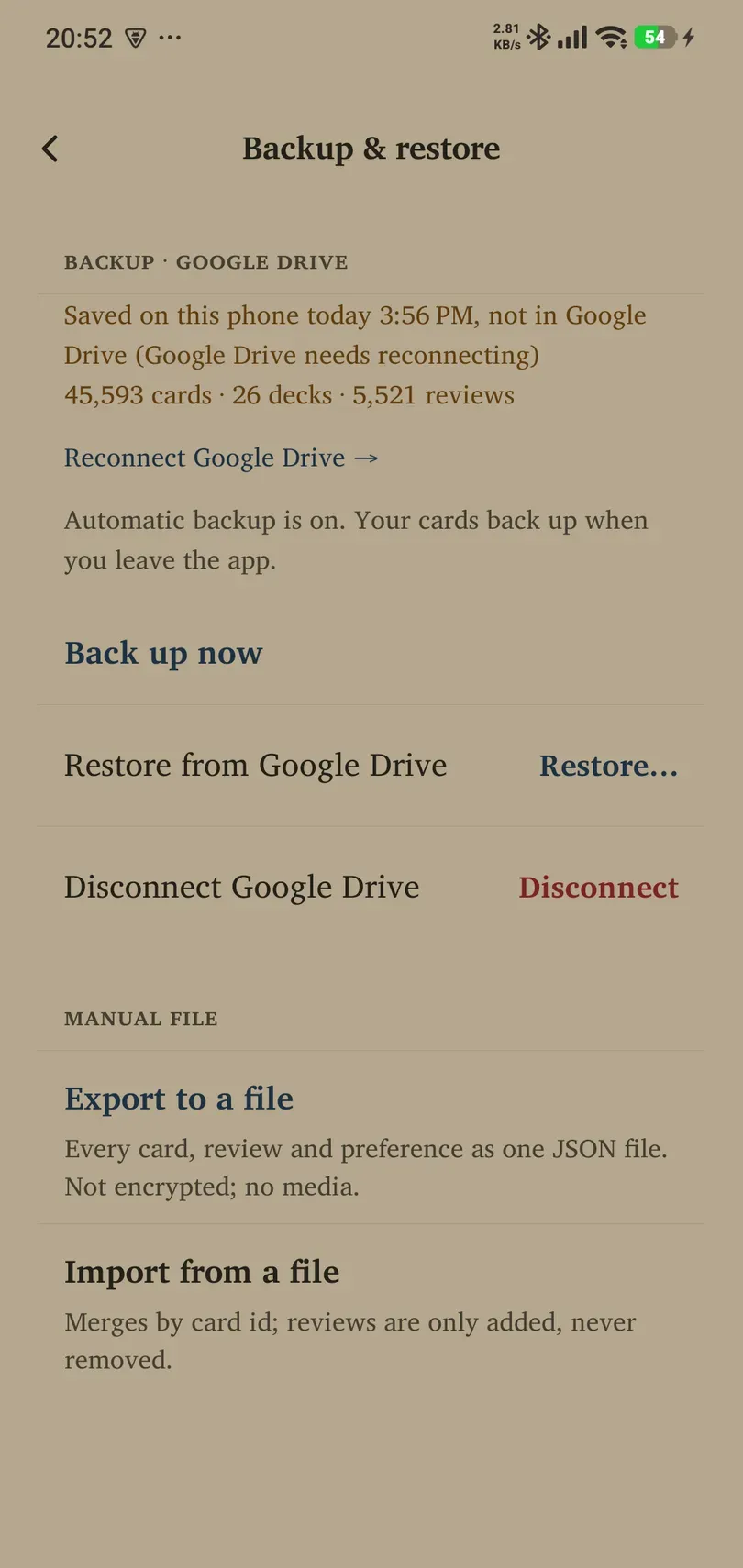
A backup is a point-in-time copy for recovery. A local-only backup on a lost phone cannot help you recover from losing that phone. A sync service may propagate changes you later regret; keep a suitable backup before a large edit, import or deletion.
Manual JSON exports are unencrypted and omit media. Encrypted cloud recovery depends on the account’s key. Account deletion can permanently destroy access to cloud backups.
If a connection stalls
Keep your local data, inspect the visible error, check the network and account, and retry the appropriate connection after resolving the cause. “Sync paused — reopen Remilo to reconnect” is a connection fault, not a reason to buy Pro. “Syncing is active on another device — this one is paused” describes the device-access limit. Use Account to resolve owner locks. Do not sign out, erase app storage or restore a collection simply to clear a banner without understanding the consequences.