Study & practise
Understand Flow and grade your answers
Know what appears next, what each rating means, and how to correct a mistake.
Android · Updated 23 October 2026
On this page
Flow combines the cards you can study now from your active decks. A card’s next appearance depends on its review history, its preset, your rating, and the current day and queue settings.
Reveal, remember, rate
- Open Flow. Use the available deck selection if you want to narrow your session.
- Attempt the answer before revealing it. The exact prompt depends on the deck’s learning modes or imported Anki template.
- Reveal the answer or answer the quiz.
- Choose the rating that describes your recall, not how much you like the word.
With two buttons, Again means you missed it and Got it means you remembered. With four buttons:
- Again: you did not remember the answer.
- Hard: you remembered, but with difficulty. Use Again for an actual forgotten answer.
- Good: you remembered with an ordinary amount of effort.
- Easy: you remembered very easily.
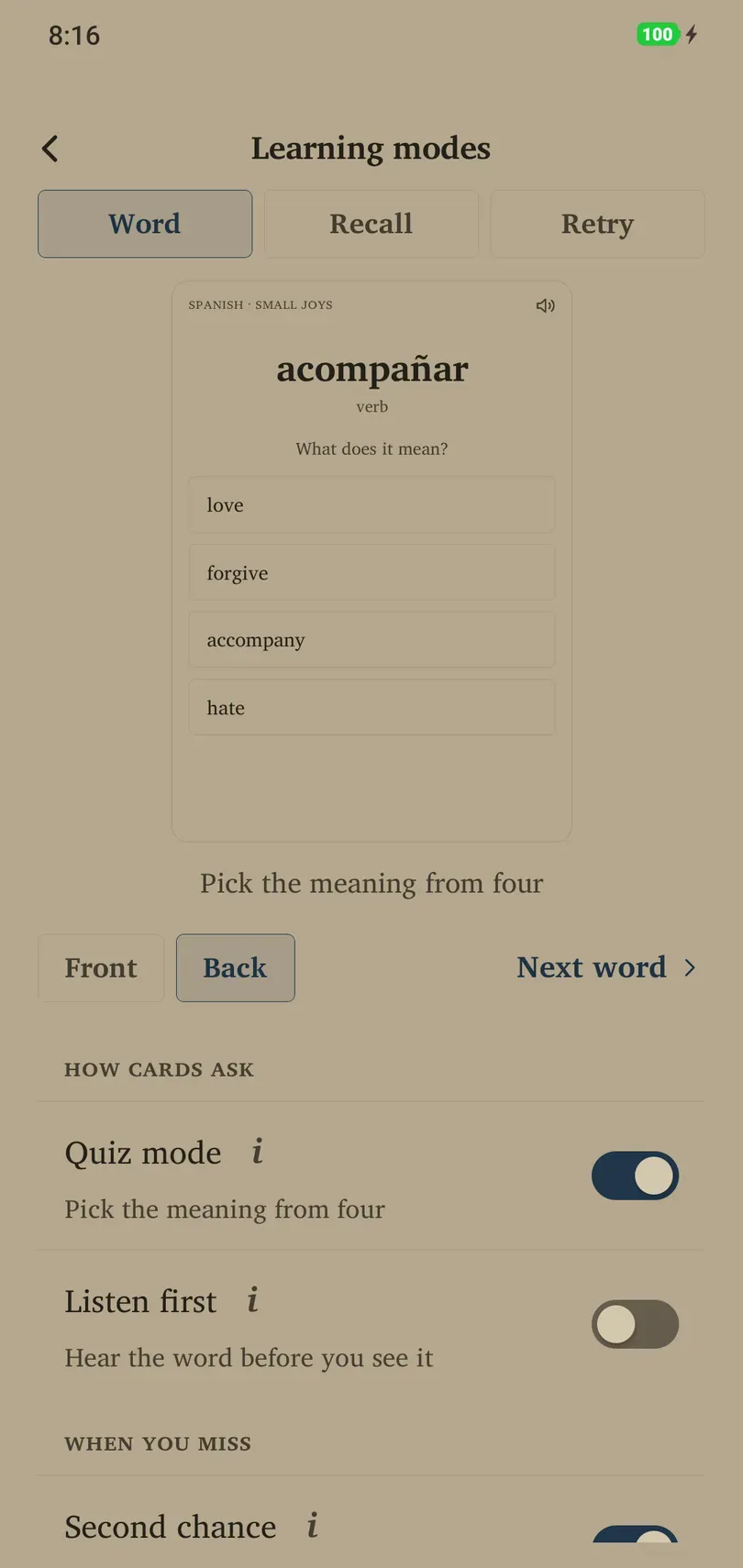
In Quiz mode, a correct choice counts as Good and a wrong choice as Again. A new dictionary word shows its answer before its first quiz. Write it suggests a grade after comparing your typed answer; you still choose the final grade.
Gestures and undo
Swiping can grade a card. The on-screen label or colour indicates the action before you release it. Settings → Cards → Card options controls swipe style and overlays. Use the visible rating controls when you want an explicit choice.
If you grade accidentally, use Undo when offered immediately after the review. Check that the previous card returns, then give the intended answer. Do not keep swiping in an attempt to reverse a mistake.
Why a card returns or waits
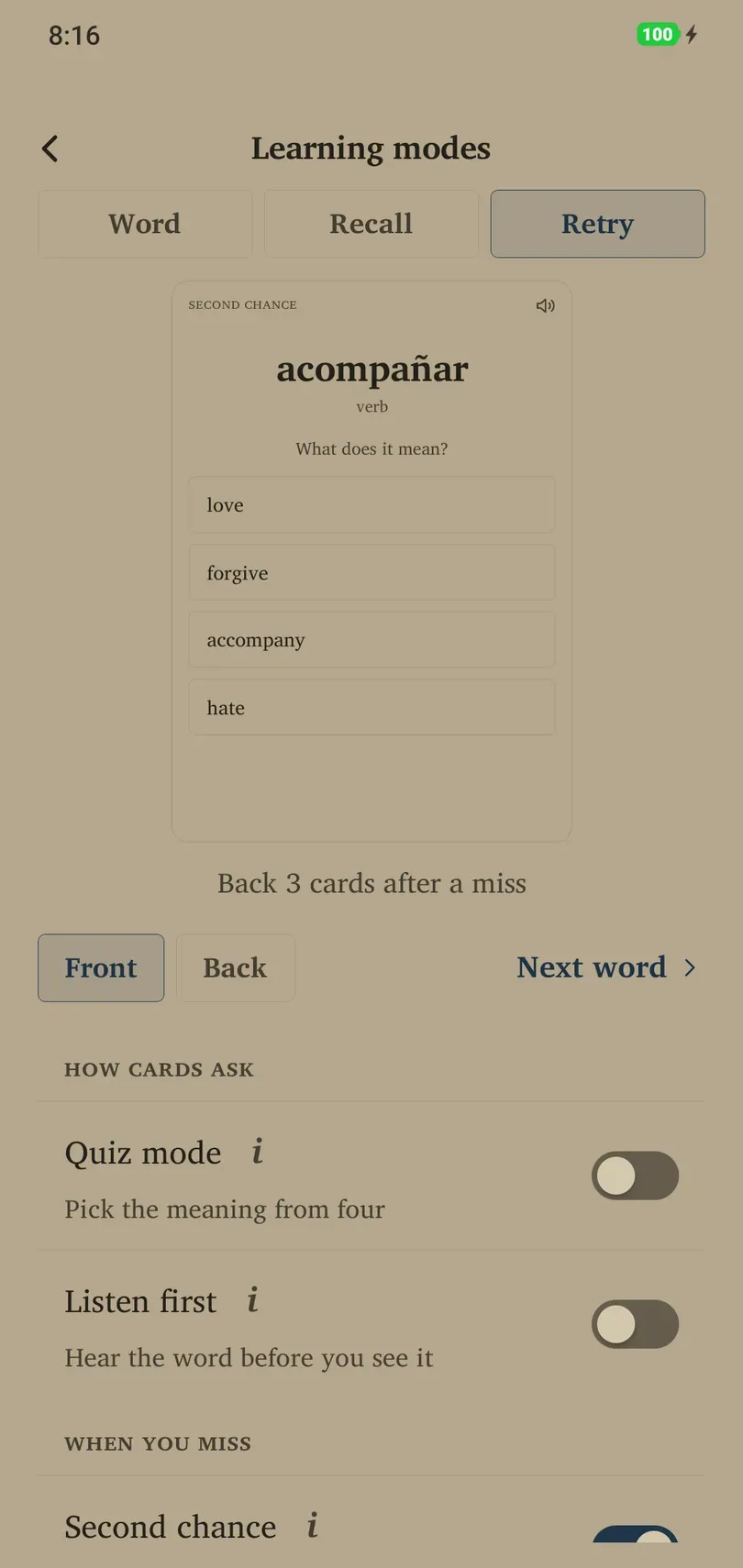
New and relearning cards can return within the day. A forgotten dictionary word can also return as a Second chance quiz three cards later if that mode is enabled. This retry is ungraded; the original miss has already counted.
With Show today’s reviews all at once enabled, today’s reviews are available from the start of the study day. With it disabled, cards wait until their due time. Daily limits and paused decks can also make a card unavailable.
When you are caught up
“All caught up” means there is no eligible card to serve under the current conditions. It does not mean the whole collection is permanently learned. You can stop, Learn more, Practice tricky cards, or Peek at tomorrow’s when those options are available. These shortcuts have different effects; see the caught-up guide before using them to extend every session.