Make it yours
Plan light days and time away
Use Weekly rhythm, start or end a holiday, and return to reviews at a manageable pace.
Android · Updated 23 October 2026
On this page
Weekly rhythm shapes future scheduling around your week. Holiday mode pauses studying for a period. Pausing a single deck is a third option when only that material should wait.
Set your weekly rhythm
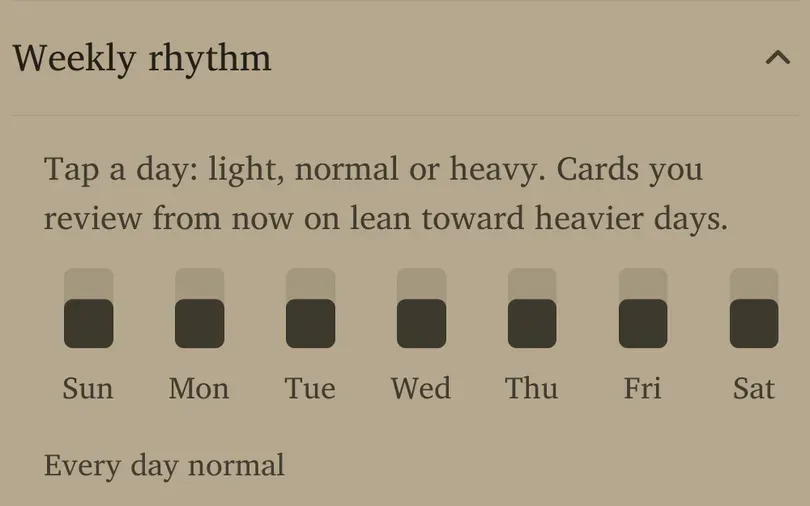
- Open Settings → Weekly rhythm.
- Tap a day to cycle through Light, Normal and Heavy.
- Check the day labels and summary before leaving.
The fresh default is every day Normal. Cards you review from now on lean toward heavier days. This does not immediately move every existing due card or guarantee an entirely review-free light day.
Use light days for predictable busy days and heavier ones where you usually have time. Keep a realistic weekly total rather than assigning every day Heavy to accelerate learning.
Start a holiday
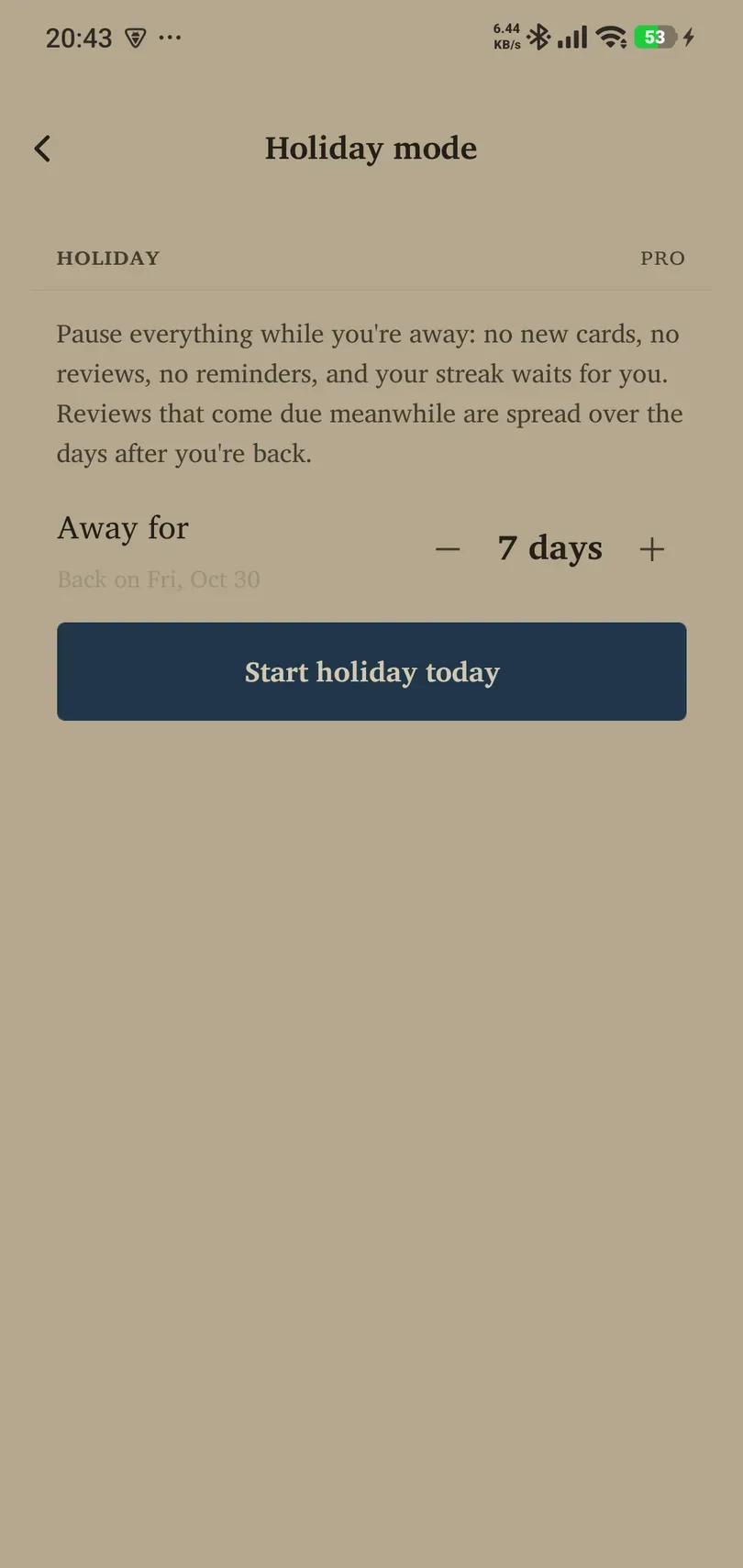
Holiday mode needs Pro and is off until you explicitly start it.
- Open Settings → Holiday.
- Set Away for using minus/plus and check Back on.
- Choose Start holiday today when the dates are right.
- Confirm the resulting active-holiday status.
During the holiday, no new cards, reviews or reminders are served, and the streak waits. This is a deliberate pause, not a way to mark every waiting card as remembered.
End early or return
Use End holiday now if you return earlier. The days already taken remain part of the holiday record. When you return, Flow offers to spread the reviews that accumulated over the following days. Read that offer before choosing how to handle the backlog.
An unplanned break
You can return without resetting progress. Reduce new intake, resume the decks you want, and review honestly over several sessions. If you only want to stop one deck, use Library → deck → Settings → Pause this deck instead of starting a holiday for the whole app.